Please follow the below instructions to login/access your USCCA Member Account.
- Type www.uscca.com in the address bar of your browser (You can also go directly to www.uscca.com/login).
- In the upper right-hand corner you will see the text “LOG IN.” Click on it to log in.
- Once you click on “LOG IN,” you will be taken to the USCCA member login page where you can enter your email and password.
If you have forgotten your password, please click on “Forgot Password” below the login boxes. You will then be prompted to put in the email address that is on your account. Our system will send you an email with instructions on how to reset your password.
Once you are logged into your account, you will see “My Dashboard” at the top left and your profile name below next to your membership level and member number. The top menu bar includes links to Online USCCA® Training videos and guides, plus Member Perks & Discounts. For quick access to the USCCA Store, click “Shop” to the right.
Below the USCCA Training Courses and Video Series, you have the ability to find ranges near you, as well as search for training by class or instructor. At the top, click the circle with your first initial to the right to see more account options.
Key Takeaways
- Log in to your USCCA Member Account to manage account details, access training and view available membership benefits.
- Your account provides access to the digital edition of Concealed Carry Magazine, with archive access based on membership level.
- The dashboard includes links to membership resources such as Member Perks & Discounts, training, the Reciprocity Map & Gun Laws and the USCCA Store.
- Eligible members must complete the LifeLock enrollment process through their USCCA Member Account before LifeLock coverage begins.
How to Use Your USCCA Member Account Dashboard
“Account Details” allows you to manage your account settings and personal information, view billing and credit card information, keep track of your CCW permits, update your email preferences and see your order history.
Under “Membership Benefits,” you have access to USCCA Training and the Self-Defense Liability Policy USCCA holds for its members, as well as quick links to our 100% American-based Delta Defense Team and Member-Only Discounts with USCCA partners.
Access Concealed Carry Magazine Online
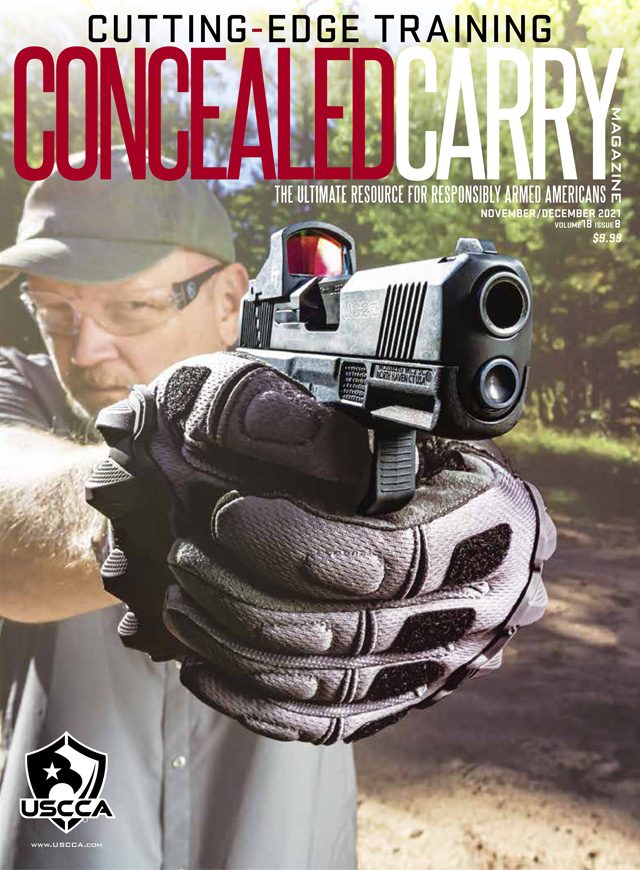
Your USCCA Member Account also gives you access to the digital edition of Concealed Carry Magazine. Members can enjoy the trusted storytelling, real-world strategies and expert insights they expect from the magazine — now with an enhanced virtual experience. All members can access current issues, with expanded archive access based on membership level. Gold Members can access the past year of issues, Platinum Members can access the past five years and Elite Members can access the full Concealed Carry Magazine archive.
To find the magazine, log in to your USCCA Member Account and click the “Benefits Summary” button on the right side of the page. Then select “Read Now” under the Concealed Carry Magazine header in the left-hand column. Click “View Digital CCM” to read the current issue or scroll down to explore the archives.
The new digital edition includes dynamic article layouts, interactive features, bonus content and behind-the-scenes extras. You can read the latest issue from your desktop or mobile device and access it offline when available through the digital magazine platform.
Manage More of Your Membership Online
See how many badges you’ve earned under “Achievements.” Log in regularly and train frequently to earn more!
The “Refer a Friend” link makes it easy to get a $200 USCCA Store Credit. Simply copy your specific ID link into an email or message to share. You can also use the Refer on Facebook or Refer on Twitter buttons.
The side menu also allows quick access to the Reciprocity Map & Gun Laws, the USCCA Community where you can chat with like-minded responsibly armed Americans, USCCA Blog for the latest gear reviews and news, and the Store.
Activate Your New LifeLock Identity Theft Protection
In addition to helping you manage your membership and access training and legal resources, your online account is also where you can activate eligible member benefits. One of the newest Member perks is LifeLock identity theft protection.
USCCA Members now receive complimentary LifeLock identity theft protection as part of their membership at no additional cost. This benefit is not activated automatically, so members must complete the enrollment process through their USCCA Member Account before coverage begins.
LifeLock monitors personal and financial information, alerts members when suspicious activity is detected and provides access to U.S.-based restoration specialists who can assist if fraud or identity theft occurs.
Here’s how to activate it:
- Sign in to your USCCA Member Account
- Go to Perks & Discounts
- Click Activate My LifeLock Protection
- Complete the brief profile questions in your USCCA Account
- On the LifeLock website, complete and submit the enrollment form
Coverage begins only after you finish the LifeLock form.
Your USCCA Member Account is the central place to manage your membership, access training and publications, explore member discounts and activate benefits like LifeLock protection. Log in periodically to confirm that your personal and billing information is current and to make sure you are taking advantage of the resources and perks included with your membership.
Have more questions about USCCA? Click here.
Take Your USCCA Membership With You
Whether you’re checking your Member Benefits, accessing Concealed Carry Magazine, continuing your USCCA Training or looking up state gun laws, the USCCA App puts your membership in your pocket. Stay connected to the tools, training and resources you rely on — at home, at the range or on the go.